
“`html
Critical Issues Making Google Analytics Data Inaccurate
There are multiple reasons why your Google Analytics reports may not be entirely accurate. Understanding these issues is crucial before making strategic decisions based on GA data. For businesses looking to gain a competitive edge through analytics, it’s important to recognize these limitations and how they impact your ability to use analytics for competitive advantage.
1. Bot and Spam Traffic Artificially Inflating Visitor Numbers
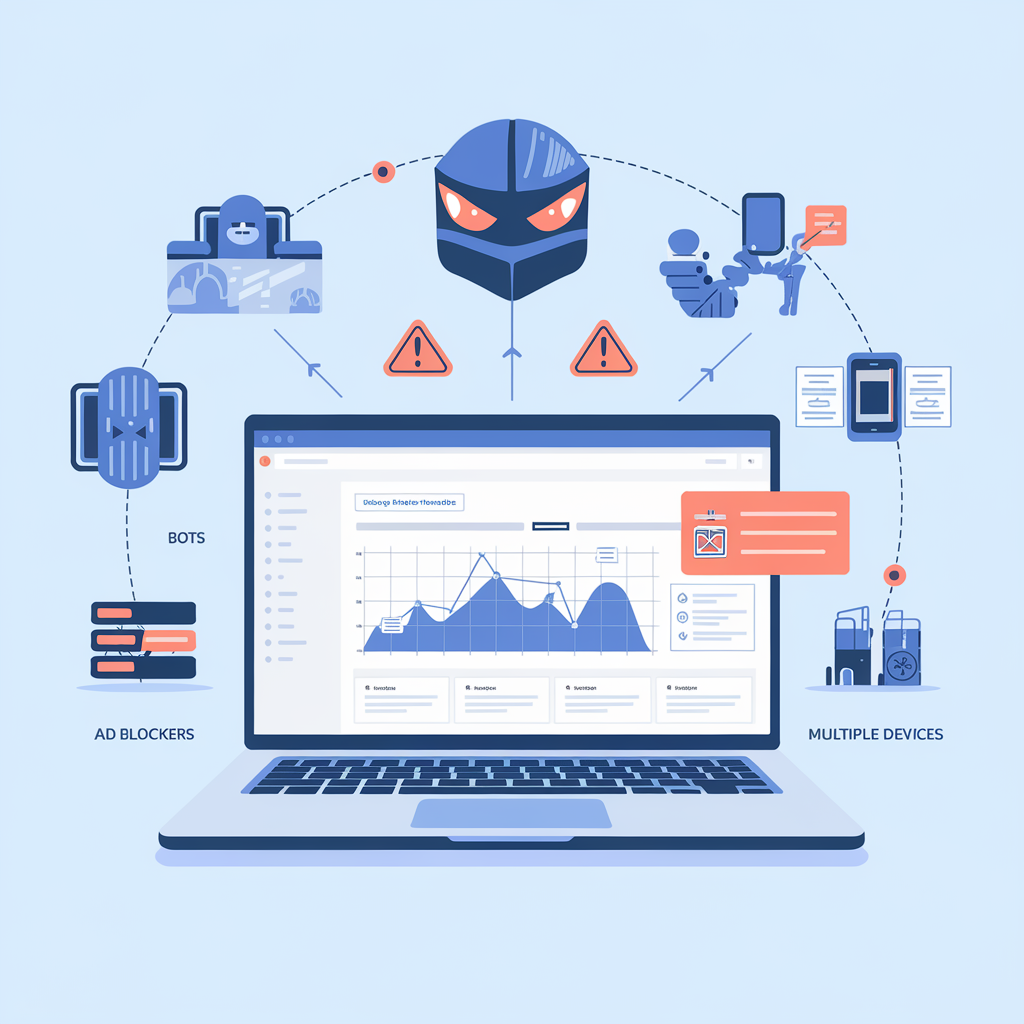
Bot traffic represents one of the most significant sources of data pollution in Google Analytics. Automated scripts, crawlers, and malicious bots can account for 20-25% of reported traffic on some websites. While Google Analytics has built-in bot filtering, it catches only known bots and frequently misses sophisticated automated traffic.
How to fix it: Enable bot filtering in your GA settings, implement server-side bot detection, use tools like Cloudflare to identify and block bot traffic, and regularly review your traffic sources for suspicious patterns. Consider using privacy-first analytics tools that employ different validation methods to distinguish human visitors from automated traffic.
2. Tracking Code Errors Causing Missing Data
Implementation errors are extremely common and can result in significant data loss. Missing tracking codes on key pages, duplicate tracking codes, incorrect configuration, and conflicts with other scripts can all compromise your data collection. Studies suggest that up to 30% of websites have tracking code implementation errors affecting data quality.
How to fix it: Use Google Tag Manager for centralized tracking code management, implement tag monitoring and debugging tools, conduct regular tracking audits across all pages, and test tracking implementation after every website update. Understanding the difference between product analytics and web analytics can also help you choose the right tracking approach for your specific needs.
3. Ad Blockers and Browser Privacy Settings Blocking Tracking Scripts
The rise of ad blockers and privacy-conscious browsing has created massive blind spots in Google Analytics data. Research indicates that 25-42% of users now employ ad blockers or privacy extensions that prevent Google Analytics from tracking their visits. Safari’s Intelligent Tracking Prevention and Firefox’s Enhanced Tracking Protection block third-party tracking by default, making Google Analytics inaccurate for a significant portion of your actual traffic.
How to fix it: Implement server-side tracking solutions, use first-party cookies for data collection, consider analytics alternatives to Google Analytics that are less commonly blocked, and accept that some visitor data will always be invisible to client-side tracking. Many organizations are switching to privacy-first analytics platforms that offer better tracking persistence while respecting user privacy.
4. Cross-Domain Tracking Failures Creating Duplicate Sessions
When users navigate between different domains or subdomains within your ecosystem, improper cross-domain tracking creates artificial session breaks and inflates your visitor counts. This is particularly problematic for e-commerce sites using separate checkout domains or organizations with multiple properties. According to Google’s official GA4 documentation, cross-domain measurement requires proper configuration to maintain accurate user journeys.
How to fix it: Configure cross-domain tracking correctly in GA4, implement consistent User ID tracking across all properties, regularly test user flows across domain boundaries, and use Google Tag Manager to centralize cross-domain configuration.
5. Sampling Issues Distorting High-Traffic Website Reports
When analyzing large datasets, Google Analytics applies sampling to speed up report generation. This means your reports show projections based on a subset of data rather than complete numbers. For high-traffic websites, sampling can significantly skew metrics and lead to incorrect conclusions about user behavior patterns.
How to fix it: Upgrade to Google Analytics 360 for higher sampling thresholds, narrow your date ranges to reduce dataset size, create smaller segments instead of complex filters, or migrate to analytics platforms that don’t rely on data sampling for report generation.
6. Cookie Consent Requirements Under GDPR and Privacy Laws
Privacy regulations like GDPR and similar laws worldwide require explicit user consent before tracking. Websites that properly implement consent management see 30-60% of users decline tracking cookies, creating substantial gaps in analytics data. This makes Google Analytics inaccurate by excluding a large segment of your actual visitors from all reports.
How to fix it: Implement cookieless analytics solutions, use server-side tracking that doesn’t require consent for basic metrics, aggregate data at the session level without personal identifiers, and clearly communicate your data collection practices to increase consent rates.
7. Session Timeout Settings Fragmenting User Journeys
Google Analytics ends sessions after 30 minutes of inactivity by default. For content-heavy sites, research-oriented platforms, or B2B websites where users take longer to make decisions, this artificial cutoff splits single visits into multiple sessions, inflating session counts while deflating engagement metrics.
How to fix it: Adjust session timeout settings based on your typical user behavior, implement event tracking to maintain session continuity during long reading periods, analyze your content consumption patterns to determine optimal timeout values, and use User ID tracking to connect fragmented sessions from the same visitor.
8. Referral Exclusions and Traffic Source Misattribution
Payment processors, login pages, and third-party services frequently break the referral chain, causing organic search traffic to appear as direct traffic and making attribution nearly impossible. This referral spam and misattribution can completely distort your understanding of which marketing channels actually drive conversions.
How to fix it: Configure referral exclusions for payment gateways and internal services, implement UTM parameters consistently across all campaigns, use Google Tag Manager to preserve original traffic sources through redirects, and regularly audit your traffic source reports for anomalies. Learning to extract actionable insights from analytics data requires understanding these attribution limitations.
The Real Cost of Inaccurate Google Analytics Data
When your Google Analytics data is inaccurate, the consequences extend far beyond misleading reports. Companies make critical business decisions based on flawed information, leading to misallocated marketing budgets, incorrect optimization priorities, and missed opportunities. A study by Forrester Research found that organizations waste an average of 20% of their digital marketing spend due to inaccurate analytics data.
Inaccurate data undermines confidence in your analytics entirely. When stakeholders discover significant discrepancies between reported metrics and actual business outcomes, they begin questioning all data-driven recommendations. This erosion of trust can paralyze decision-making and push organizations back toward gut-feel decisions rather than evidence-based strategy.
For e-commerce businesses, inaccurate conversion tracking leads to incorrect product recommendations, misguided inventory decisions, and flawed customer segmentation. B2B companies struggle with lead scoring and sales attribution when their analytics can’t accurately track the complex, multi-touch customer journeys typical in enterprise sales cycles.
Moving Beyond Inaccurate Analytics: Alternative Solutions
Recognizing that Google Analytics is inaccurate doesn’t mean abandoning analytics entirely. Instead, consider implementing a multi-layered measurement strategy that compensates for individual tool limitations. Many organizations now use Google Analytics alongside complementary analytics platforms to cross-validate data and fill gaps.
Server-side analytics solutions offer significantly better data accuracy by tracking visitors before browser-based blocking can occur. These tools capture requests at the infrastructure level, providing a more complete picture of actual traffic while still respecting privacy regulations through proper data handling.
Privacy-first analytics platforms have emerged as viable alternatives, offering GDPR compliance by default, no cookie requirements, and transparent data collection practices that increase user consent rates. These solutions often provide surprisingly accurate data by focusing on aggregate trends rather than individual tracking.
For product teams specifically, dedicated product analytics platforms provide deeper behavioral insights than Google Analytics ever could, with features like automatic event tracking, funnel analysis, and cohort retention that reveal why users behave as they do, not just what they do.
Implementing a More Accurate Analytics Strategy
Start by auditing your current Google Analytics implementation to identify and fix the most impactful accuracy issues. Use Google Tag Assistant, conduct cross-browser testing, and compare GA data against server logs to quantify your data loss. This baseline assessment reveals which problems most severely affect your specific situation.
Establish data quality monitoring as an ongoing practice rather than a one-time fix. Set up automated alerts for sudden traffic spikes, conversion rate anomalies, and tracking failures. Regular quality checks help you catch implementation problems before they corrupt weeks of data.
Document everything about your analytics setup, including tracking configurations, custom dimensions, event parameters, and known limitations. This documentation ensures that everyone interpreting your data understands its boundaries and doesn’t make decisions based on metrics that aren’t actually measuring what they think.
Consider whether Google Analytics remains the right primary analytics tool for your organization, or if your accuracy requirements demand a different approach. For many businesses, especially those in privacy-sensitive industries or regions with strict data regulations, alternative analytics platforms now offer better accuracy, compliance, and insights.
Conclusion: Accurate Data Enables Better Decisions
Understanding why Google Analytics data is inaccurate empowers you to make better measurement decisions. While no analytics platform achieves perfect accuracy, recognizing the specific ways that Google Analytics inaccurate data manifests allows you to compensate for these limitations and build more reliable measurement systems.
The path forward involves acknowledging measurement limitations, implementing fixes for known accuracy issues, and potentially diversifying your analytics stack to include tools that address Google Analytics’ fundamental weaknesses. By taking a more sophisticated approach to website analytics, you’ll make better decisions based on data that more accurately reflects your actual user behavior and business performance.
Frequently Asked Questions
Why is my Google Analytics data inaccurate?
Google Analytics data becomes inaccurate due to multiple factors including ad blockers (blocking 25-42% of tracking), bot traffic (15-25% of reported visitors), tracking code errors, cookie consent requirements under GDPR, cross-domain tracking failures, and data sampling. Browser privacy features in Safari and Firefox also block Google Analytics by default, creating significant blind spots in your data. Most websites experience accuracy issues affecting 20-40% of their metrics.
How can I improve my Google Analytics data quality?
Improve data quality by enabling bot filtering in GA settings, fixing tracking code implementation errors through Google Tag Manager, configuring cross-domain tracking properly, implementing server-side tracking to bypass ad blockers, adjusting session timeout settings based on user behavior patterns, and setting up referral exclusions for payment gateways. Regular audits using Google Tag Assistant and comparing GA data against server logs helps identify ongoing issues. Consider supplementing Google Analytics with privacy-first analytics tools for more complete measurement.
What are the best alternatives to Google Analytics for accurate data?
Privacy-first analytics platforms like Plausible, Fathom, and Simple Analytics offer better tracking accuracy because they’re blocked less frequently by ad blockers and don’t require cookie consent under GDPR. Server-side analytics solutions provide more complete data by tracking at the infrastructure level before browser-based blocking occurs. For product teams, dedicated product analytics platforms offer deeper behavioral insights with features like automatic event tracking and funnel analysis that reveal user behavior more accurately than Google Analytics.
What does inaccurate analytics data cost my business?
Inaccurate analytics leads to misallocated marketing budgets, incorrect optimization priorities, and flawed strategic decisions. Research shows organizations waste an average of 20% of digital marketing spend due to inaccurate data. Beyond direct financial costs, data inaccuracy erodes stakeholder confidence in analytics, potentially paralyzing decision-making. E-commerce businesses suffer from incorrect product recommendations and inventory decisions, while B2B companies struggle with lead scoring and sales attribution when analytics can’t track complex customer journeys accurately.
“`
Leave a Reply